
Microsoft Outlook Training
EmpowerU Training provides practical Outlook training that helps you take control of your email, calendar and tasks. Whether you are an individual looking to work smarter or an organisation seeking to improve communication efficiency, our expert-led sessions simplify Microsoft Outlook and teach you how to use it with confidence.

What You Will Learn in Our Microsoft Outlook Training
Our Outlook training is built for real-world application and is suitable for both individuals and organisations. You will learn how to:
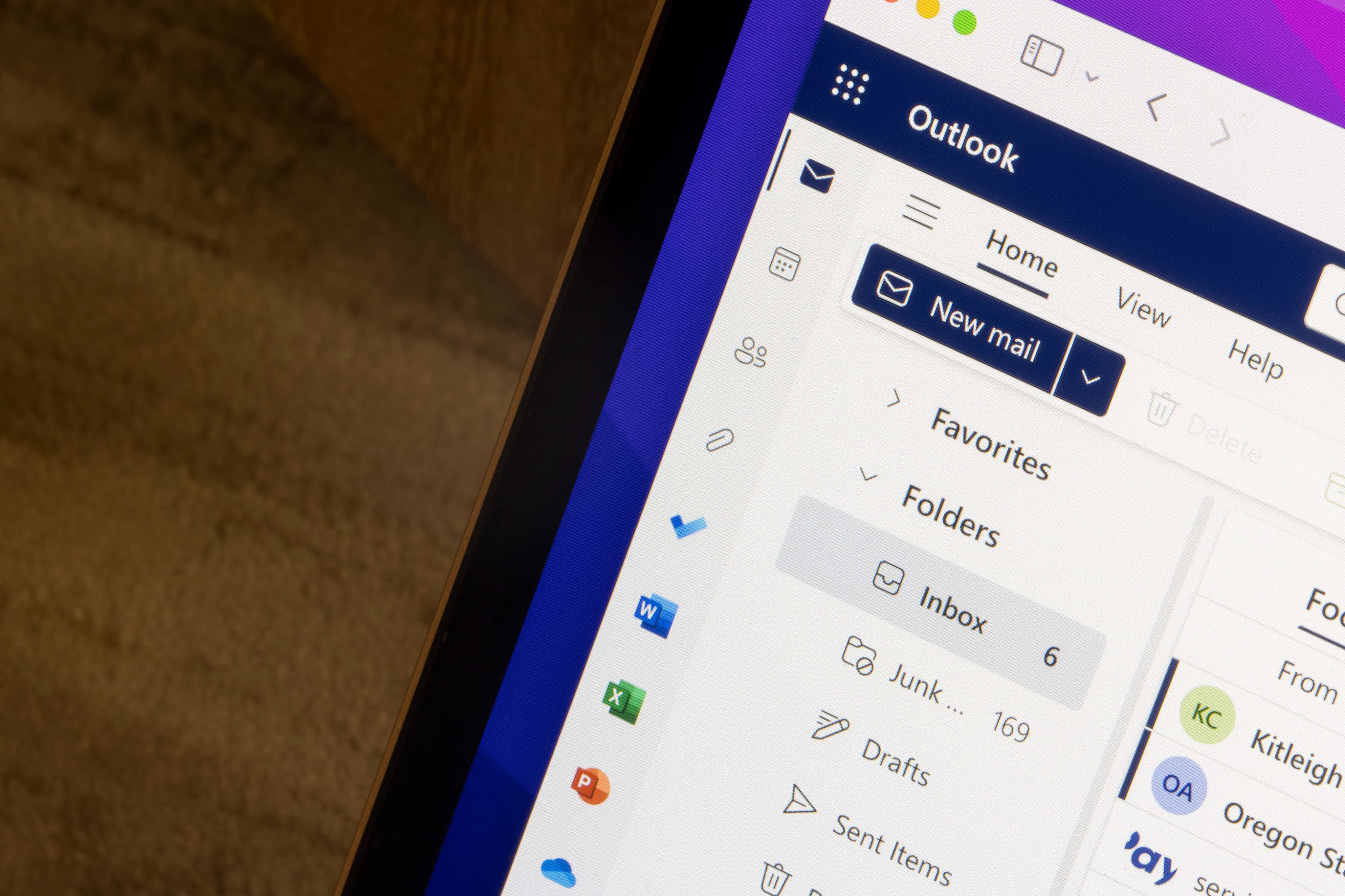
- Navigate the Outlook interface on desktop and web
- Organise emails with folders, rules and categories
- Use the Focused Inbox to prioritise important messages
- Search effectively with filters and advanced options
- Create and manage calendar events, meetings and reminders
- Set up automatic replies and email signatures
- Integrate Outlook with Teams and OneNote for improved productivity
- Manage tasks and to-do lists directly from Outlook
By the end of this course, you will be able to manage your email, contacts and calendar efficiently and use Outlook as a powerful productivity tool.

Upcoming Courses
Course Requirements
- A computer or laptop with stable high-speed internet connection
- Headset (recommended) or working microphone and speakers
- Latest version of Microsoft Edge, Chrome, or supported browser
- A quiet environment to participate in the session without interruptions
- Pen and notepad (optional, for taking notes)
Course Information
Duration: 2.5 hours
Class Size (max) 10
User guides Provided: Yes
Delivery: Live online instructor led

Why Choose EmpowerU Training for Your Outlook Course
Email overload and disorganised calendars can lead to lost time and reduced productivity. Our Outlook course is designed to eliminate these problems by teaching you how to use Outlook efficiently. With EmpowerU Training, you will benefit from:
- Live, online instructor-led training sessions with practical exercises
- Expert trainers with over 30 years of technology training experience
- Step-by-step instruction on Outlook’s most powerful features
- Desktop and web versions are covered in the Outlook Course
- Corporate training options are available on request. Contact us to discuss your needs.
- Group discounts for company-wide training rollouts

Flexible Learning Options
We offer multiple training options to suit your needs:
- Live online training with real instructors for interactive learning
- On-demand sessions for flexible self-paced learning
- Corporate training for groups, tailored to your organisation
- Group booking discounts for businesses
Whether you are an individual or an organisation our Outlook course delivers the tools and knowledge you need to work smarter.
The EmpowerU Advantage
Our Microsoft Outlook training goes beyond the basics. We do not just show you how to send emails or schedule meetings; we teach you how to use Outlook to its full potential. We also provide practical exercises, lesson plans and follow-up resources so you and your team can keep improving even after the training session ends.
When paired with our other Microsoft 365 training courses, you can integrate Outlook with Teams, OneNote and other applications to create a seamless, productive workflow.

Frequently Asked Questions
- What is included in the Outlook training?
Our training covers email management, calendar organisation, contacts, tasks, rules, search features and integration with other Microsoft 365 apps.
- Is this Outlook course suitable for beginners?
Yes. Our training is designed for all skill levels, from first-time users to those wanting to improve their existing skills.
- What is the difference between desktop and web Microsoft Outlook training?
The desktop version includes more advanced features, while the web version is streamlined for accessibility from any device. We offer training for both.
- Do you provide corporate training for Outlook?
Absolutely. We offer tailored training sessions for organisations to match your organisation’s needs. Contact us to discuss further.
- How does Outlook integrate with other Microsoft 365 tools?
Our course covers how Outlook connects with Teams, OneNote and To Do, enabling you to streamline email, scheduling and task management.
- What makes EmpowerU Training the best choice for Outlook training?
We focus on practical, instructor-led training that helps users get real results. Our approach is hands-on, easy to follow and backed by trainers with decades of experience.
- Do you offer Outlook courses online outside of Australia?
Yes, you can choose any of our available courses.

