Microsoft Windows 11 Training
EmpowerU Training provides expert-led Microsoft Windows 11 training designed for everyday users who want to feel confident navigating and using the latest version of Windows. With support for Windows 10 ending in October 2025, now is the ideal time for individuals and organisations to upskill and transition smoothly to Windows 11.
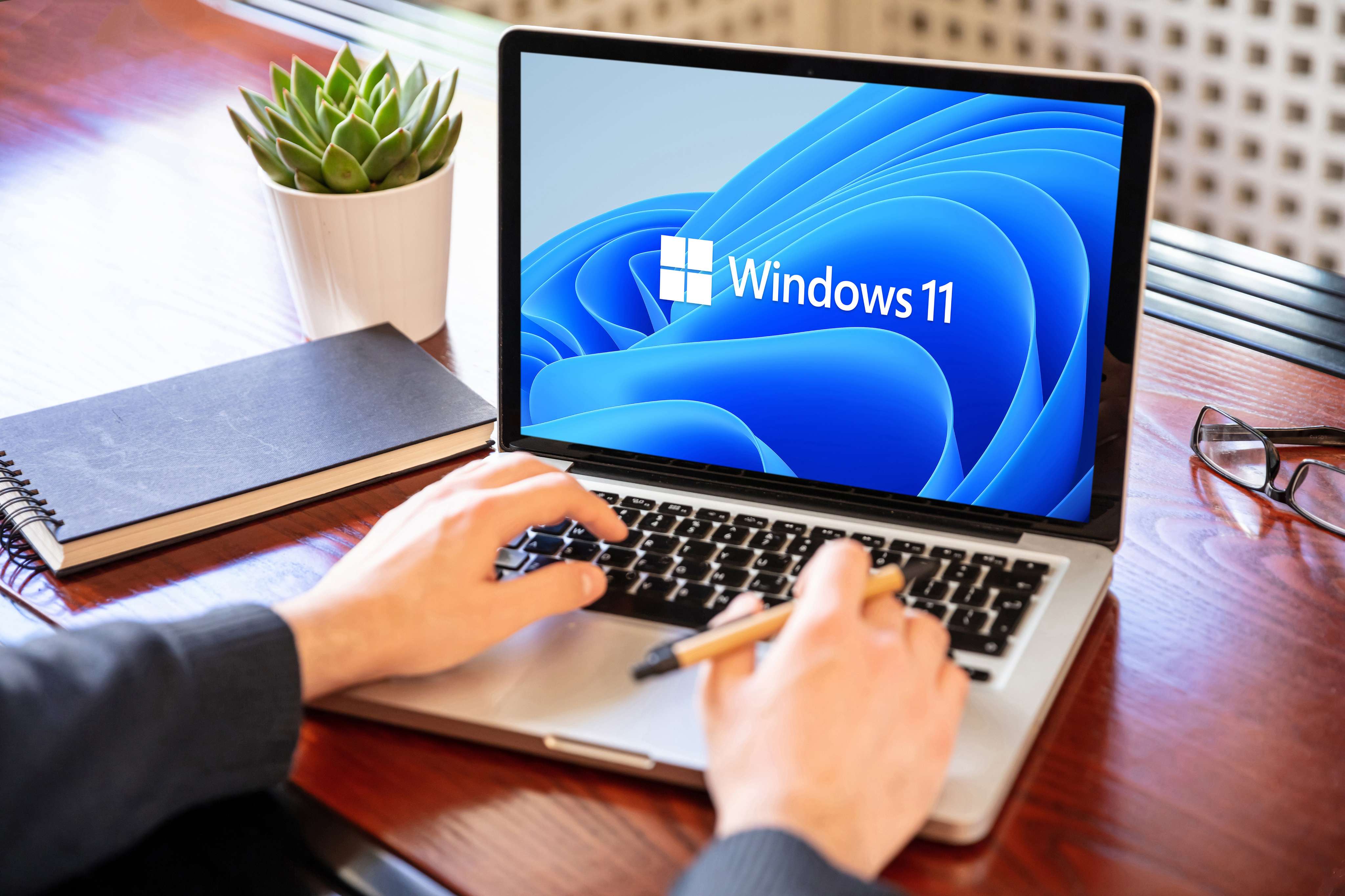
What You Will Learn in Our Windows 11 Training Courses
Our Windows 11 training courses are built to give you real-world skills and the ability to work productively with Microsoft’s latest operating system. You will learn how to:
- Navigate the updated Windows 11 interface and redesigned Start menu
- Use the modern Taskbar, Action Centre and Settings menu
- Organise your work with Snap layouts and virtual desktops
- Manage files efficiently using the new File Explorer tools
- Enhance focus and efficiency with Widgets and Focus Sessions
- Collaborate using integrated Microsoft Teams features
- Adjust accessibility and personalisation settings
- Maintain system security and updates with built-in tools
By the end of the course, you will be able to work faster, personalise your environment and fully leverage Windows 11’s capabilities.

Upcoming Courses
Course Requirements
- A computer or laptop running Windows 11 with stable high-speed internet connection
- Headset (recommended) or working microphone and speakers
- Latest version of Microsoft Edge, Chrome, or supported browser
- A quiet environment to participate in the session without interruptions
- Pen and notepad (optional, for taking notes)
Course Information
Duration: 1.5 hours
Class Size (max) 10
User guides Provided: Yes
Delivery: Live online instructor led

Recommended Related Courses

Why Choose EmpowerU Training for Windows 11 Training for End Users
Transitioning to a new operating system can be overwhelming. Our Windows 11 training for end users eliminates confusion and equips you with the knowledge and skills to use Windows 11 confidently in both personal and professional settings. When you train with EmpowerU, you gain:
- Live, online instructor-led training sessions
- Experienced trainers with over 30 years of technology training expertise
- Practical exercises to build everyday confidence
- Clear explanations of key changes and tools in Windows 11
- Flexible options for individuals and businesses
- Customised corporate training solutions for business teams are available on request. Contact us to discuss your needs.
- Discounts for group bookings for companywide training

Flexible Learning Options
EmpowerU Training offers flexible delivery formats for our Windows 11 training:
- Live online sessions with interactive, instructor-led demonstrations
- On-demand, self-paced learning for flexibility
- Corporate group training packages tailored to business needs
- Discounted pricing for team and organisation-wide rollouts
Whether you are an individual learner or part of a company-wide upgrade, our training is structured to ensure a smooth and confident transition.
The EmpowerU Advantage
Unlike generic tutorials, our Microsoft Windows 11 training is instructor-led, practical and focused on real-world use. We make the learning process simple, ensuring you not only understand the new features but also know how to apply them effectively in your daily work.
Our trainers provide clear, jargon-free explanations, practical exercises and follow-up resources to ensure you and your team can keep improving even after the training is complete.

Frequently Asked Questions
- What is included in the Windows 11 training courses?
The training covers the interface, personalisation, file management, productivity tools, collaboration features and system settings in Windows 11.
- Is the Windows 11 training for end users suitable for beginners?
Yes. It’s designed for all users, especially those transitioning from Windows 10 or new to Windows 11.
- Can you provide training for entire teams or organisations?
Absolutely. We offer custom corporate training for organisations, with flexible delivery and group pricing options.Contact us to learn more.
- Do you explain the differences between Windows 10 and 11?
Yes. We highlight all major differences so your team can adapt quickly and confidently.
- How is EmpowerU Training different from other providers?
We deliver live, instructor-led sessions that focus on practical application, not just theory. Our approach ensures lasting skills and confident use.
- Do you provide follow-up resources after the training?
Yes. All learners receive supporting materials and resources to reinforce their learning and help them continue building skills.
- Do you offer Windows 11 courses online outside of Australia?
Yes, you can choose any of our available courses.

