Microsoft 365 Training Courses
EmpowerU Training offers practical and user-friendly Microsoft 365 training designed for real people doing real work. Our courses focus on the tools you use every day, delivered in short, instructor-led sessions that are engaging, interactive and easy to follow. Whether you are looking to improve your skills for personal, work or your business needs a streamlined way to train an entire team, our approach ensures you learn only what is relevant and effective.
What You Will Learn in Our MS Office Classes

Master chat, video meetings and channel collaboration. Learn how to integrate Teams with other Microsoft apps like Planner and OneNote, making teamwork more productive and organised across your daily tasks.
Take control of document management and collaboration. From basic navigation to advanced permissions and content creation, our SharePoint training removes the complexity and gives you confidence to manage SharePoint effectively.

Streamline your email and calendar management with Outlook. Learn how to create rules, manage tasks, organise your inbox and use powerful scheduling features in both desktop and web versions.

From basic formulas to advanced functions, our Excel courses are offered in Beginner, Intermediate and Advanced levels. Learn how to manage data, create reports, build pivot tables and work efficiently with spreadsheets.

Create polished, professional documents with Word covering templates, formatting, collaboration tools, and time-saving tips to improve productivity and maintain consistent document standards.

Design engaging, professional presentations with PowerPoint – covering themes, layouts, visual effects, and time-saving features to create clear, impactful presentations for meetings, training, and reports.

Understand how to store, sync and share files securely. We teach you how OneDrive integrates with Teams and SharePoint for a seamless file management experience.


Why Choose EmpowerU Training for Your Office 365 Course
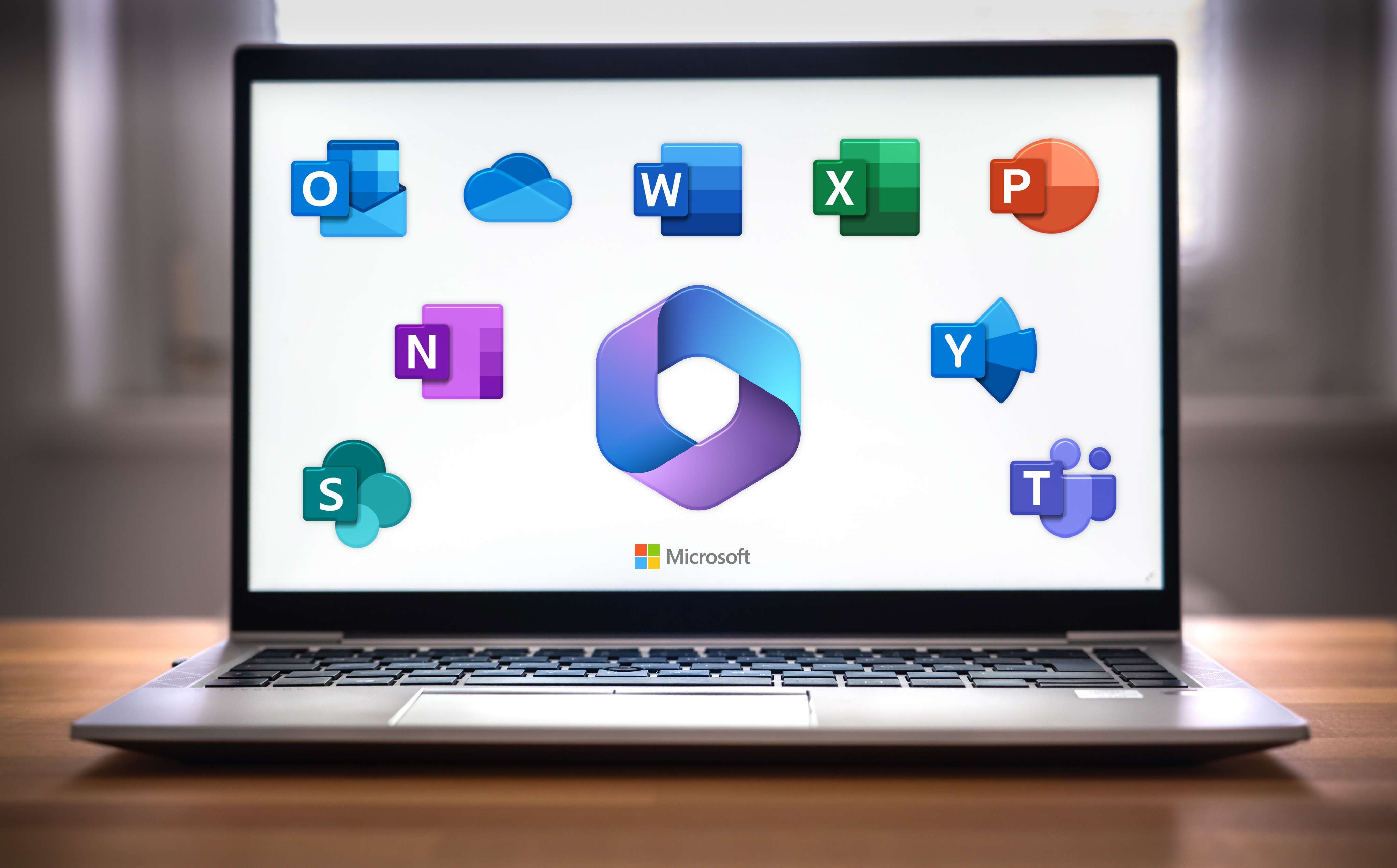
Our Microsoft Office classes cover all the essential applications that power modern workplaces, including Teams, SharePoint, Outlook, Excel, Word, PowerPoint, OneDrive and Planner. Each session is designed to give you hands-on experience, guided by trainers with over 30 years of expertise.
Many training providers offer long, generic courses that overwhelm learners with information they will never use. At EmpowerU Training, we do things differently. Our courses are concise, practical and focused on real-world outcomes. We provide:
- Live, online instructor-led sessions that are interactive and practical
- Beginner, intermediate and advanced training programs are available for selected courses
- Practical exercises to help you apply your new skills immediately
- Step-by-step guidance from trainers with over 30 years of technology training experience
- Flexible training for individuals, businesses and large groups
- Discounts for corporate bookings and custom training solutions for your organisation are available on request. Contact us to discuss your needs.
Flexible Learning Options
We understand that every learner is different. That is why our Office 365 course options include:
- Live online sessions with real instructors and interactive exercises
- On-demand training for flexible self-paced learning
- Customised group sessions tailored for your organisation
- Group discounts for corporate bookings
Our courses are suitable for individuals wanting to upskill for career growth as well as businesses implementing Microsoft 365 or looking to boost staff productivity.


The EmpowerU Advantage
Frequently Asked Questions
- What is included in the Microsoft 365 training?
We offer several online courses across Microsoft 365 suite, including Teams, SharePoint, OneDrive, Outlook, Excel, Word, PowerPoint, and Planner.
- Are the Microsoft Office classes suitable for beginners?
Yes. We offer training for all skill levels. Whether you are new to Microsoft 365 or an experienced user, our courses are designed to meet you where you are and build your confidence step-by-step.
- Can you deliver an Office 365 course for our whole team?
Absolutely. We can deliver group training using our standard lesson plans, or scope customised content to meet your organisation’s needs. Please contact us to discuss.
- What is the difference between MS Office classes and on-demand tutorials?
Unlike passive video tutorials, our instructor-led sessions are interactive and practical. You get live demonstrations, real-time feedback and the chance to ask questions throughout the course.
- Do I need my own Microsoft 365 account for training?
Yes, we recommend having access to Microsoft 365 so you can participate in the practical exercises during the course. This ensures you get hands-on experience with the tools you are learning.
- How do I know which course level is right for me?
For tools such as Excel, Teams and SharePoint, we provide a skills assessment that helps you determine whether you should start at the beginner, intermediate or advanced level. Our other courses are designed for all skill levels.

