Microsoft OneNote Training
EmpowerU Training provides comprehensive OneNote training designed to help you organise your notes, projects and ideas efficiently. Whether you are an individual user, part of a team or a business looking to streamline collaboration, our training will show you how to turn OneNote into a powerful productivity tool.
What You Will Learn in Our Training on OneNote
Our OneNote training is designed to teach you the skills you need to use OneNote effectively in both personal and professional settings. You will learn how to:
- Navigate the OneNote interface across desktop, web and mobile versions
- Create and manage notebooks, sections and pages
- Format notes using tags, tables, lists and embedded files
- Capture and organise meeting notes and project plans
- Use OneNote to store images, audio and attachments
- Share notebooks and collaborate in real-time with colleagues
- Sync OneNote across devices for seamless access
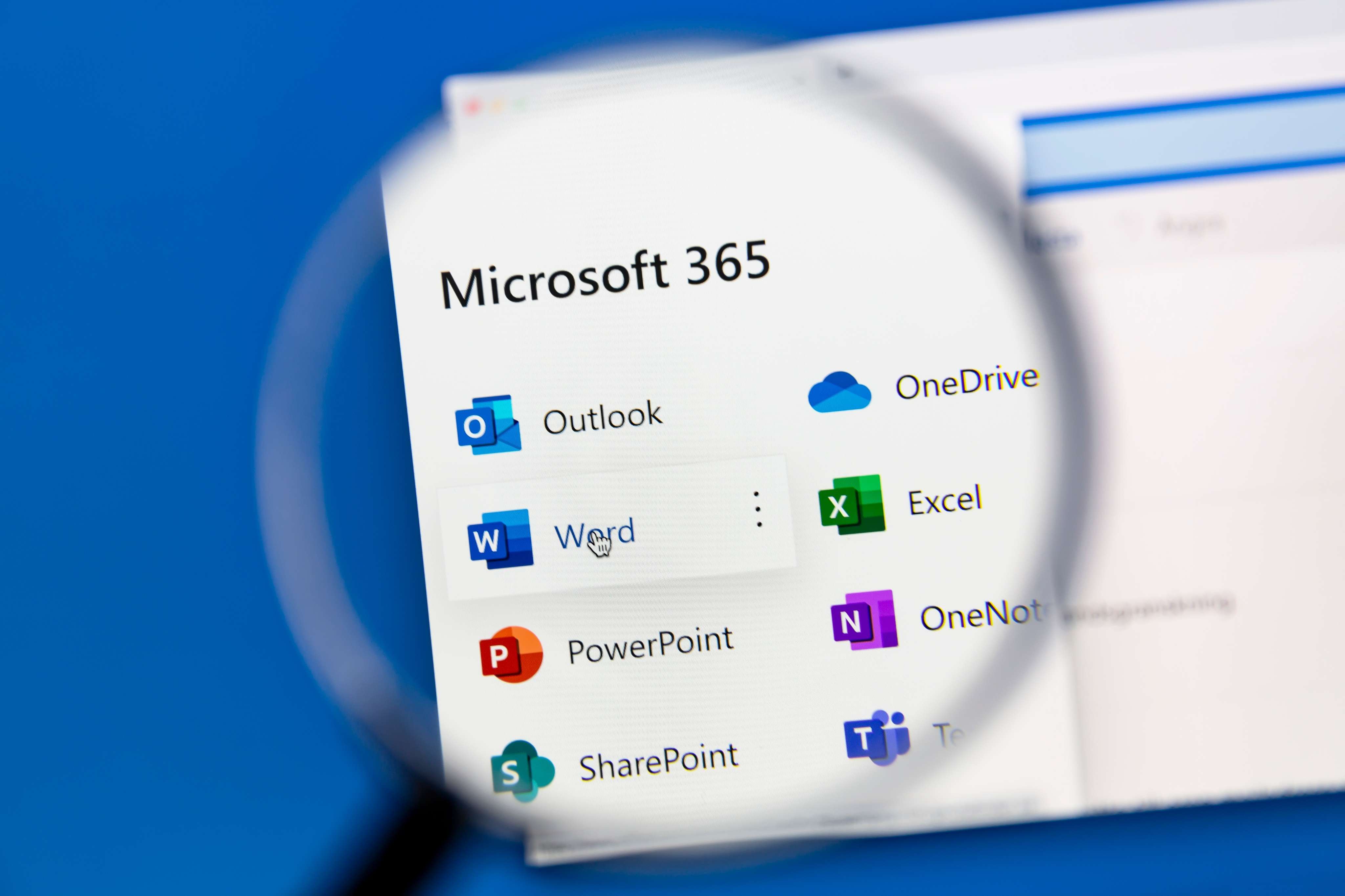
- Integrate OneNote with Teams, Outlook and other Microsoft 365 tools
- Use OneNote for task tracking and team knowledge management
By the end of the course, you will be able to manage your notes and information in a way that saves time and improves productivity

Upcoming Courses
Course Requirements
- A computer or laptop with stable high-speed internet connection
- Headset (recommended) or working microphone and speakers
- Latest version of Microsoft Edge, Chrome, or supported browser
- A quiet environment to participate in the session without interruptions
- Pen and notepad (optional, for taking notes)
Course Information
Duration: 1.5 hours
Class Size (max) 10
User guides Provided: Yes
Delivery: Live online instructor led


Why Choose EmpowerU Training for Your OneNote Training
OneNote is one of the most versatile tools in Microsoft 365 but is often underutilised because many users are unaware of its full potential. Our training on OneNote provides easy-to-follow instructions that helps you organise information and work more efficiently. When you choose EmpowerU Training, you will get:
We make it simple to go from basic notetaking to structured digital organisation that enhances productivity and collaboration.
- Live, online instructor-led training with practical demonstrations
- Experienced trainers with over 30 years of technology training expertise
- Flexible course delivery for individuals, teams and businesses
- Corporate training packages customised for your organisation are available on request. Contact us to discuss your needs.
- Group booking discounts for company-wide training

Flexible Learning Options
We offer flexible ways to complete your OneNote training:
- Live online sessions with expert trainers and interactive demonstrations
- On-demand learning options for flexible self-paced study
- Corporate group training sessions customised for businesses
- Discounts for business and group bookings
Whether you are looking to improve your personal note-taking or introduce OneNote company-wide, EmpowerU Training provides the right solution.
The EmpowerU Advantage
Our training on OneNote is not just about showing you features — it is about helping you build a clear, efficient system for managing notes and collaborating with your team.
We focus on practical exercises, real-world use cases and seamless integration with Microsoft 365, so you leave with the skills and confidence to put OneNote into action immediately.

Frequently Asked Questions
- What is included in the OneNote training?
Our training covers everything from creating and organising notebooks to collaboration, syncing and integration with other Microsoft 365 tools.
- Is the training on OneNote suitable for beginners?
Yes. Our course is designed for users of all levels, from complete beginners to those who want to refine their OneNote skills.
- Can you provide corporate training for OneNote?
Absolutely. We offer tailored training sessions for teams, including discounted rates and customised content to suit your organisation. Contact us to discuss further.
- How does OneNote integrate with Teams and Outlook?
Our training shows you how to connect OneNote with Microsoft Teams and Outlook for better meeting notes, shared collaboration spaces and task tracking.
- Do you offer online training?
Yes. We deliver live, instructor-led online sessions and on-demand training options, making it easy to learn from anywhere in Australia.
- Why choose EmpowerU Training for OneNote?
We provide clear, practical training taught by experts who understand how businesses and individuals use Microsoft 365 tools in real-world environments.

